Product Update

Search Form - Blocked Days Apply to Departure

Feb 5, 2026

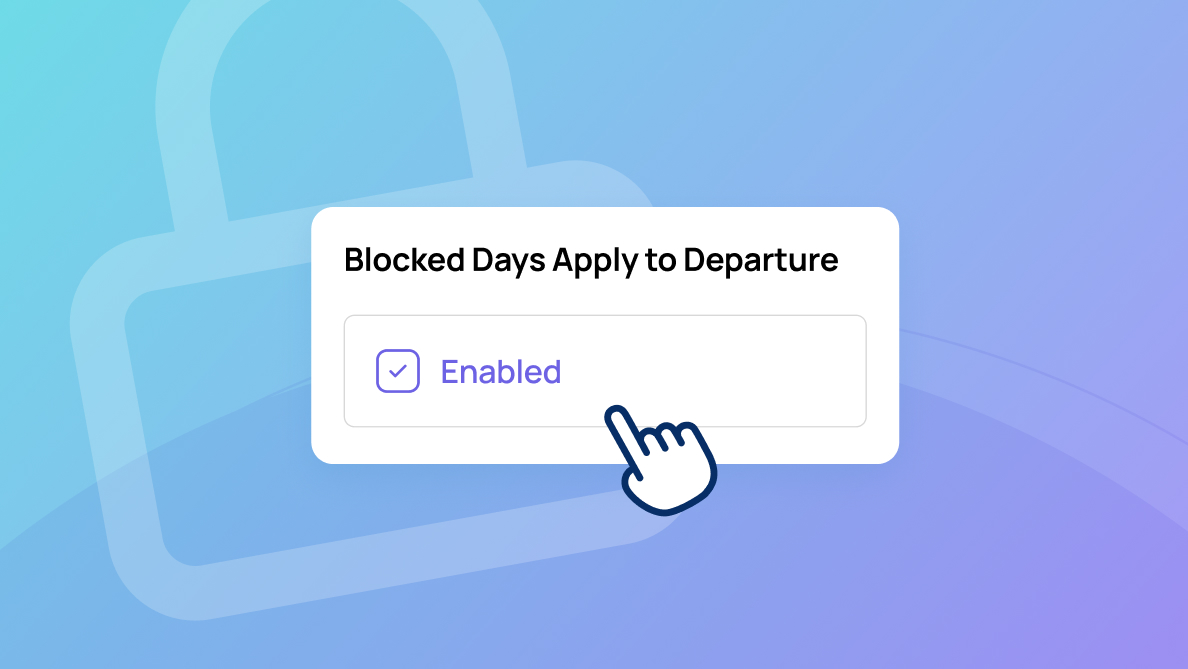
Fine-tune your calendar with absolute precision. Beyond simply restricting arrivals, the new “Blocked Days Apply to Departure” toggle allows you to close off check-outs on specific dates. It’s the ultimate way to sync your booking engine with your resort's true operational flow.

Inntopia OverlayIntegrated CommerceParks & AttractionSki Resort
Search Form - Blocked Days Apply to Departure

Blocked days previously applied only to arrivals (check-ins), which could result in departures still being allowed on blocked days and search forms not fully reflecting resort policies.

You can now choose to apply blocked days to both check-in and check-out dates by enabling the new “Blocked Days Apply to Departure” option in your configuration. 

This gives you more control over booking rules, prevents unwanted departures on blocked days, and ensures your availability and search forms align with your operational policies.

More releases

Keep exploring the product update archive

A few more native release pages to help you understand how the platform is evolving.

Parks & Attraction

Password Introduction - Improvements

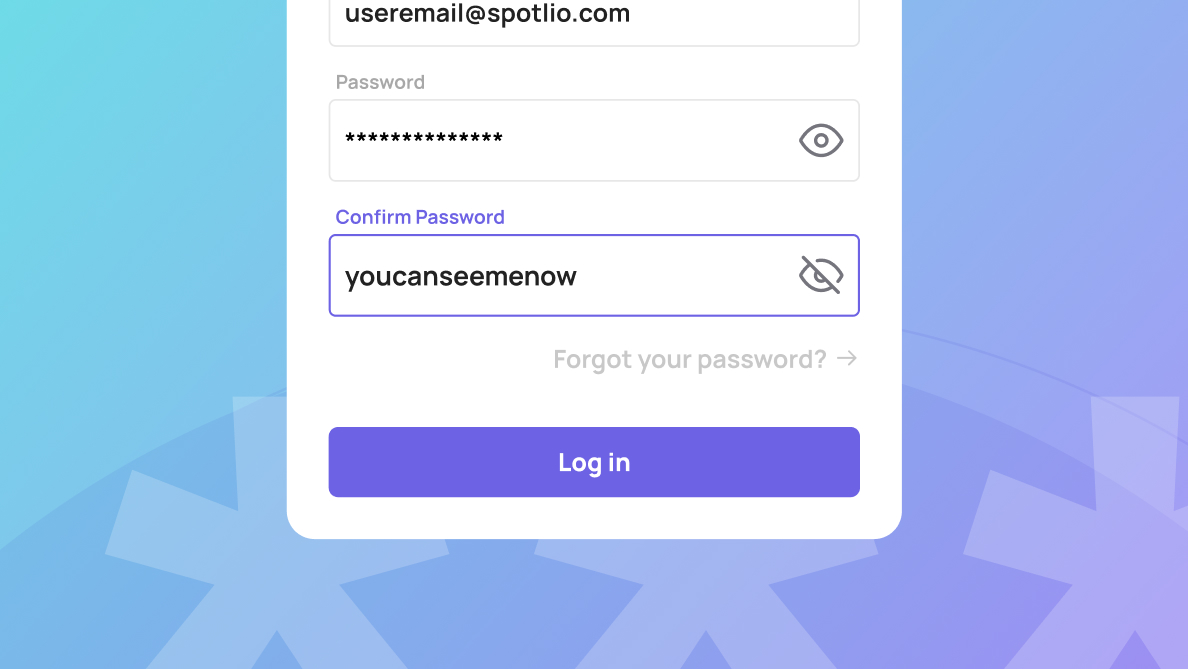
Account security just got a lot more user-friendly. To help guests avoid typos and login frustrations, we've introduced a double password field and a visibility toggle across all registration and reset forms.

Spotlio Product Team

Related update
Websites

Preview - Improvements

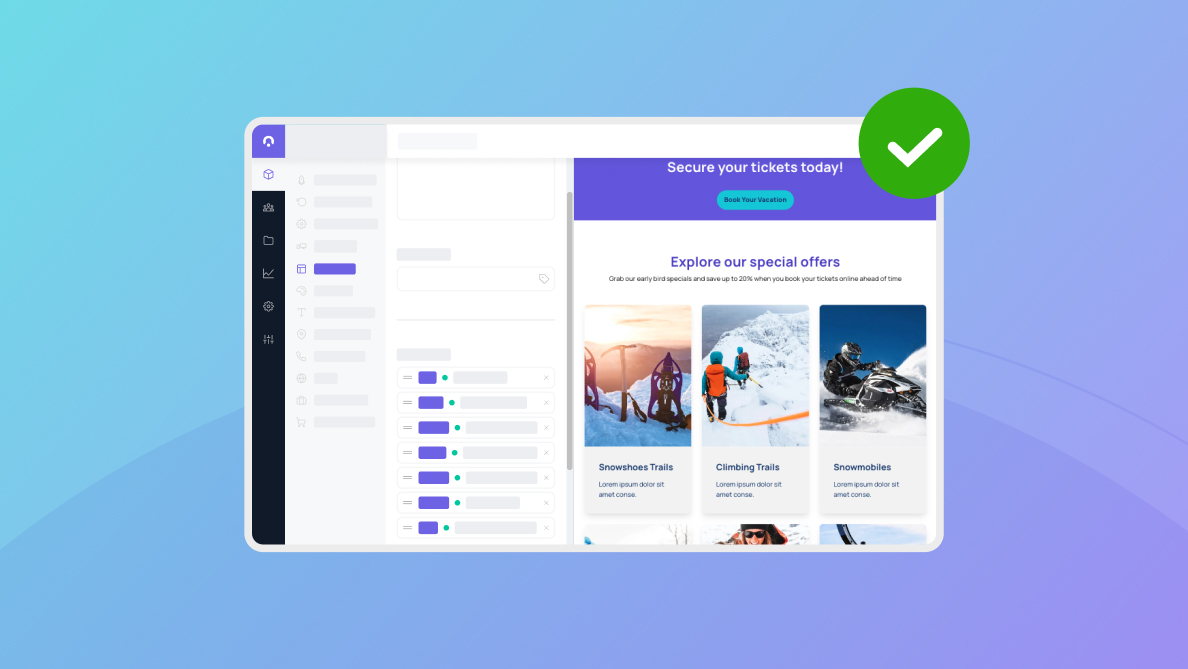
Visualize your content with total confidence. Every module, text, and media asset now renders with 1:1 parity to the live site. No more guesswork or test publishes—what you see in the editor is exactly what your guests see on the page.

Spotlio Product Team

Related update
Inntopia Overlay

Rentals - Product Category Sorting and Filtering

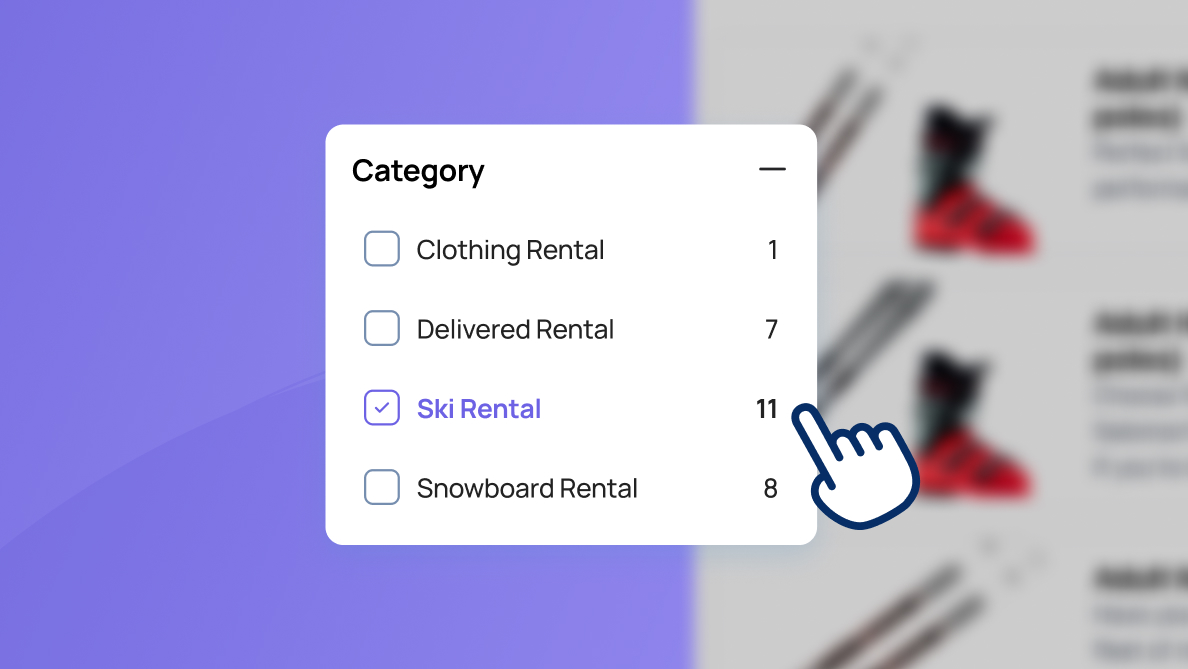
Stop the endless scroll to find the right gear. Instead of scrolling through long, static lists, guests can now use Product Category filtering and sorting to pinpoint exactly what they need.

Spotlio Product Team

Related update

Next step

See how the platform is evolving in practice

Follow the release stream, then connect the product story back to the industries, use cases, and commercial outcomes behind each change.